Getting set up
How setting up works in Celebrant Central
The few things Celebrant Central asks for before it gets out of your way: your business name and A number, GST and pricing, how couples pay you, your logo and email, filmed start to finish on a brand new account.
This film follows a brand new Celebrant Central account through its first login, from the few things the app asks before it shows the dashboard, through a short setup checklist, to the last two things that live in Settings: your logo and your email. Due dates, document templates, the couple's portal and the workflow are already there when you arrive; you change them when you want to, not on day one.
Step by step
-
The first time you sign in, before you see your dashboard, Celebrant Central asks for your business name.
-
If you're a marriage celebrant, your A number goes in too. It's the number on your Notice of Intended Marriage, so the app wants it early. ABN and mobile go on the same screen, entered once so they can print on every quote and invoice from here.
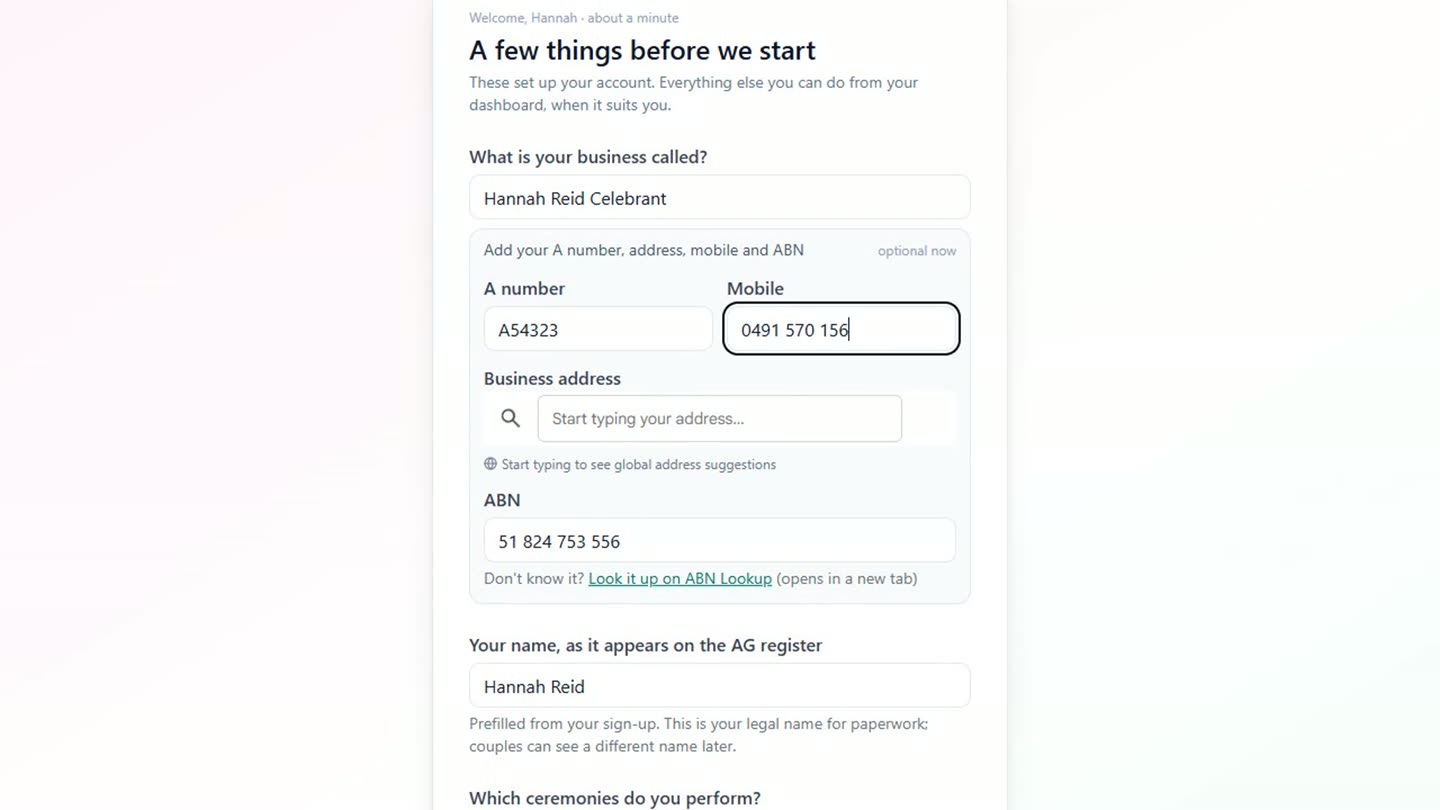
Business name, A number, mobile and ABN, filled in on the first screen a new account sees. -
Then the kinds of ceremony performed. Tick them here and each one comes with its own workflow, booking form and paperwork already attached.
-
That's it for the questions. Submit them and you're straight into the dashboard.
-
The dashboard carries a short setup checklist, where deadlines will sit later. Most of the app is already set up; a few things it can't guess, so it asks: GST, registered or not, said once so every invoice does the maths from there; what's charged, one line per package and the price, so quotes and invoices never need it typed twice; and how couples pay, bank details or a PayID, printed on every invoice.
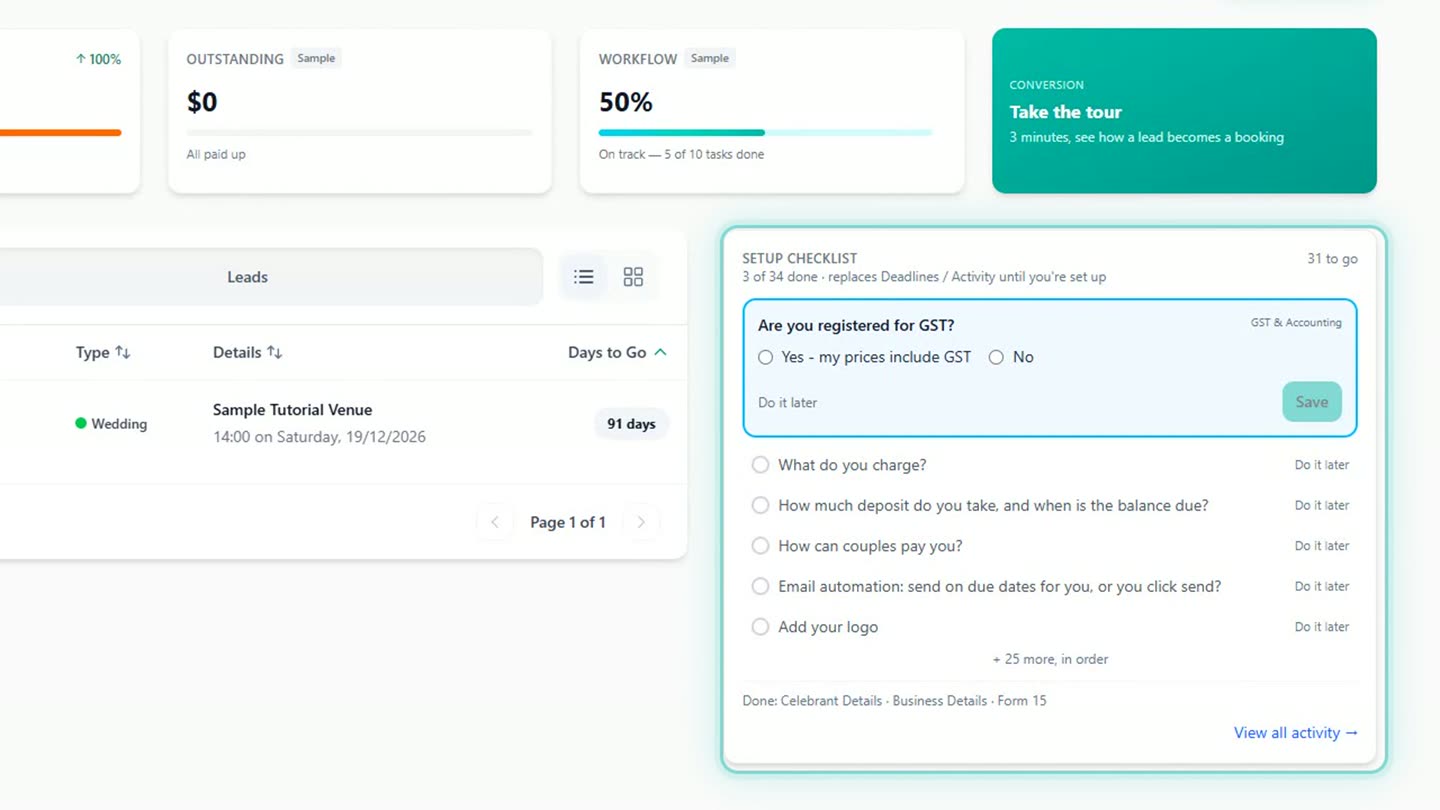
The setup checklist on the dashboard, working through what the app cannot guess. -
Two more things live in Settings, and the checklist takes you there: your logo, dropped in when you have the file, ready to appear on quotes and invoices; and email, which sends from a Celebrant Central address out of the box, or from your own Gmail address once you connect it.
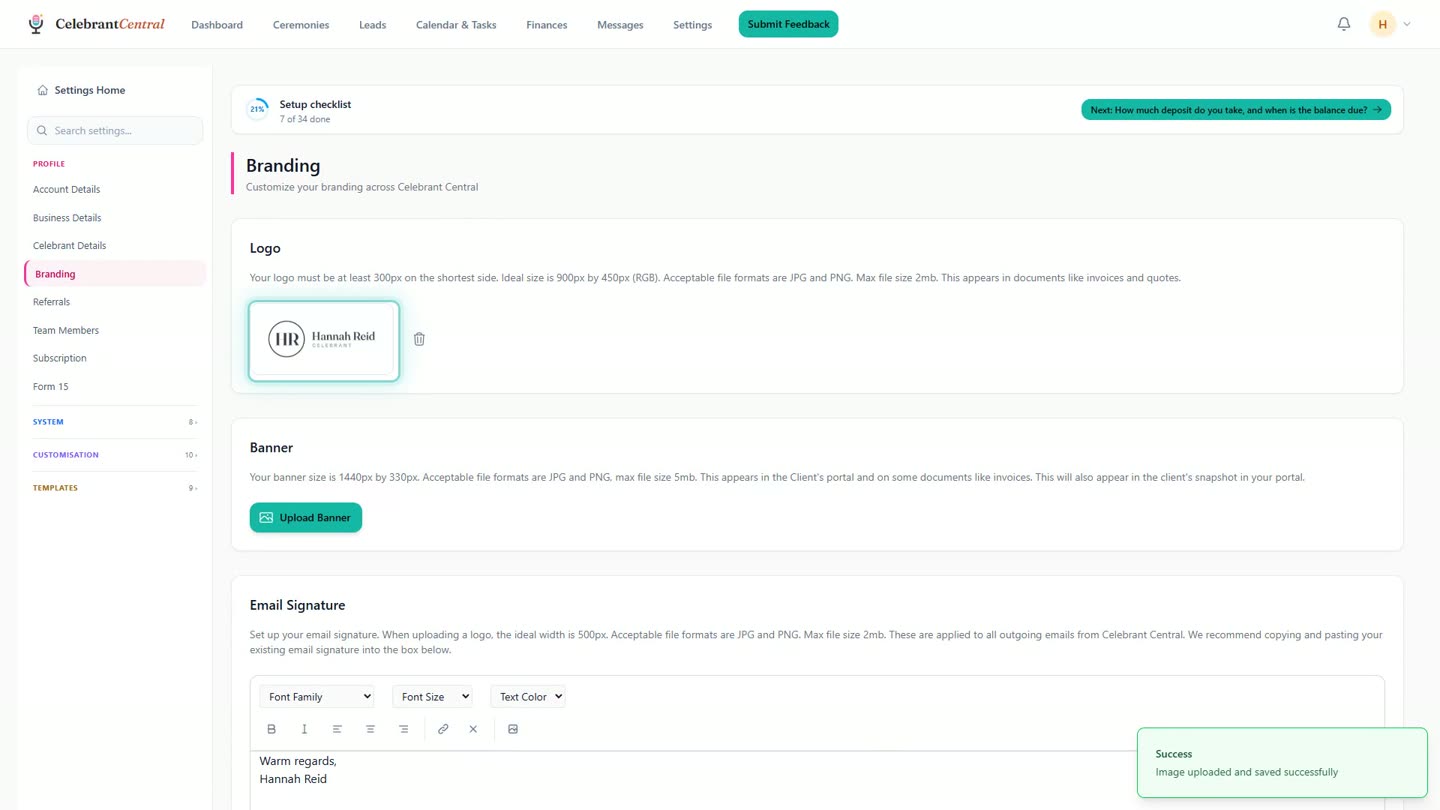
The logo, uploaded and stored in Settings, ready for quotes and invoices. -
That's the part it can't guess. Due dates, document templates, the couple's portal and the workflow are already there. You change them when you want to, not on day one.
Chapters
- 0:00A few things before your dashboard
- 0:09Your A number, ABN and mobile
- 0:23The ceremonies you perform
- 0:33Then you're in: the setup checklist
- 0:42GST, pricing and how couples pay
- 1:03Your logo and connecting email
- 1:26The part it can't guess
Full transcript
The first time you sign in, Celebrant Central asks for a few things before it shows you anything else. Your business name. If you're a marriage celebrant, your A number goes here too. It's the number on your Notice of Intended Marriage, so the app wants it early.
ABN and mobile. They go on every quote and invoice, and you enter them once. And the kinds of ceremony you do. Each one comes with its own workflow, booking form and paperwork.
Then you're in.
The dashboard has a checklist where your deadlines will sit later. Most of it the app has already set up for you. A few things it can't guess, so it asks.
GST. Registered or not, say so once, and every invoice does the maths from here. What you charge. One line per package, and the price. Quotes and invoices pull from this list, so you never type a price twice.
How couples pay you. Your bank details, or a PayID, and they print on every invoice.
Two more live in Settings, and the checklist takes you there. Your logo. It goes on your quotes and invoices. Drop it in when you have the file. And email. Out of the box it sends from a Celebrant Central address, and that works. If you use Gmail, connect it, and everything goes out from your own address instead.
That's the part it can't guess. Due dates, document templates, the couple's portal, the workflow. Already there. You change them when you want to.
Built for and by Australian marriage celebrants.
See it on your own account
Business name, your A number, GST, pricing and how couples pay, set up once on day one and then out of your way. Free until the end of next month. No card needed.
Start free →