Running every ceremony
How email templates work in Celebrant Central
A whole collection already written for you in Settings, sorted by where a ceremony is up to, editable until it sounds like you, and sent to a couple with their own details filled in, in one click.
This film walks through Settings' collection of templates, with email templates as the centrepiece, then follows one from a couple's record to their inbox in the real app. Quotes, booking forms and questionnaires each keep their own page; checklists, resource libraries, service agreements and ceremony scripts round out the rest. Every email template opens already written, sorted by where a ceremony is up to, and ready to send with a couple's own details filled in.
Step by step
-
Settings holds a set of templates that between them cover most of the writing a celebrant would otherwise redo for every couple: checklists, resource libraries, service agreements, ceremony scripts, and email templates.
-
Quotes, booking forms and questionnaires each already have their own page. Email templates cover everything else, grouped by where a ceremony is up to: the first enquiry, before the day, after it, the legal paperwork, and the ceremony itself. The legal ones sit together, including a template for the Notice of Intended Marriage.
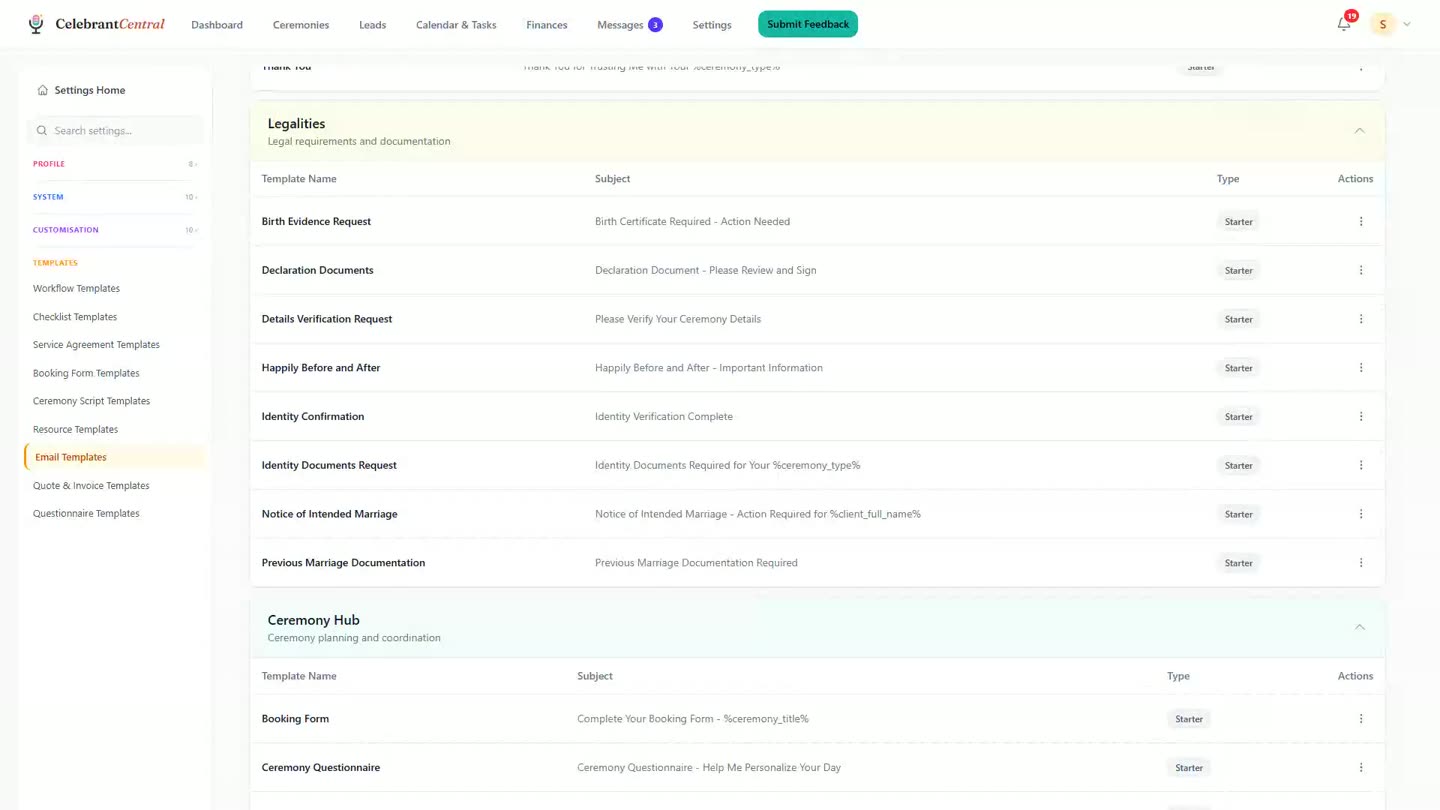
The legal paperwork's email templates, grouped together in Settings. -
Open one and it's already written. Change the words, the fonts and the colours until it sounds like you, and pick from the merge fields so a couple's own details write themselves in rather than being typed by hand.
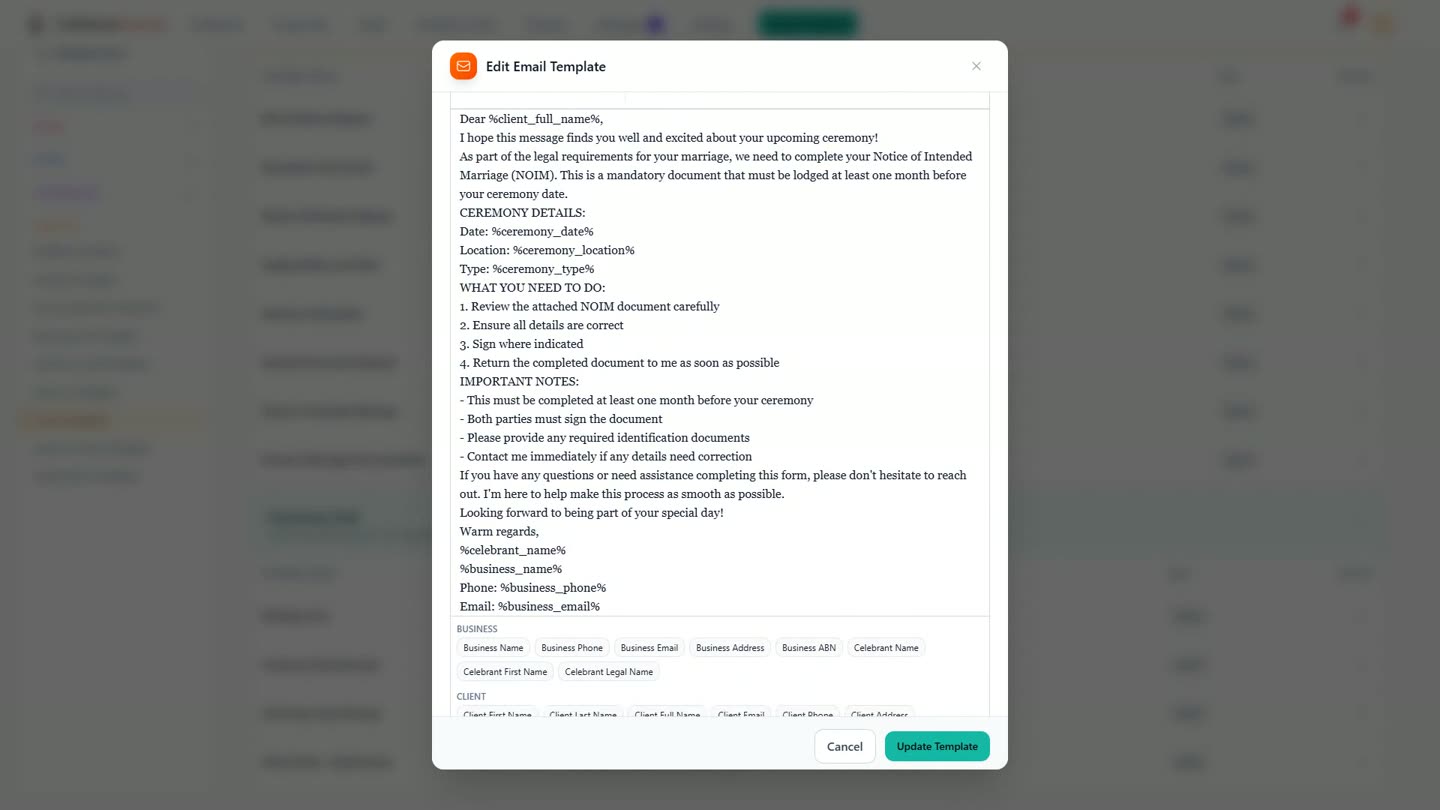
A template's own words, with merge fields ready to drop in. -
From a couple's record, sending one is a short trip: open the email panel, start a new email, and both partners are already sitting in the To line.
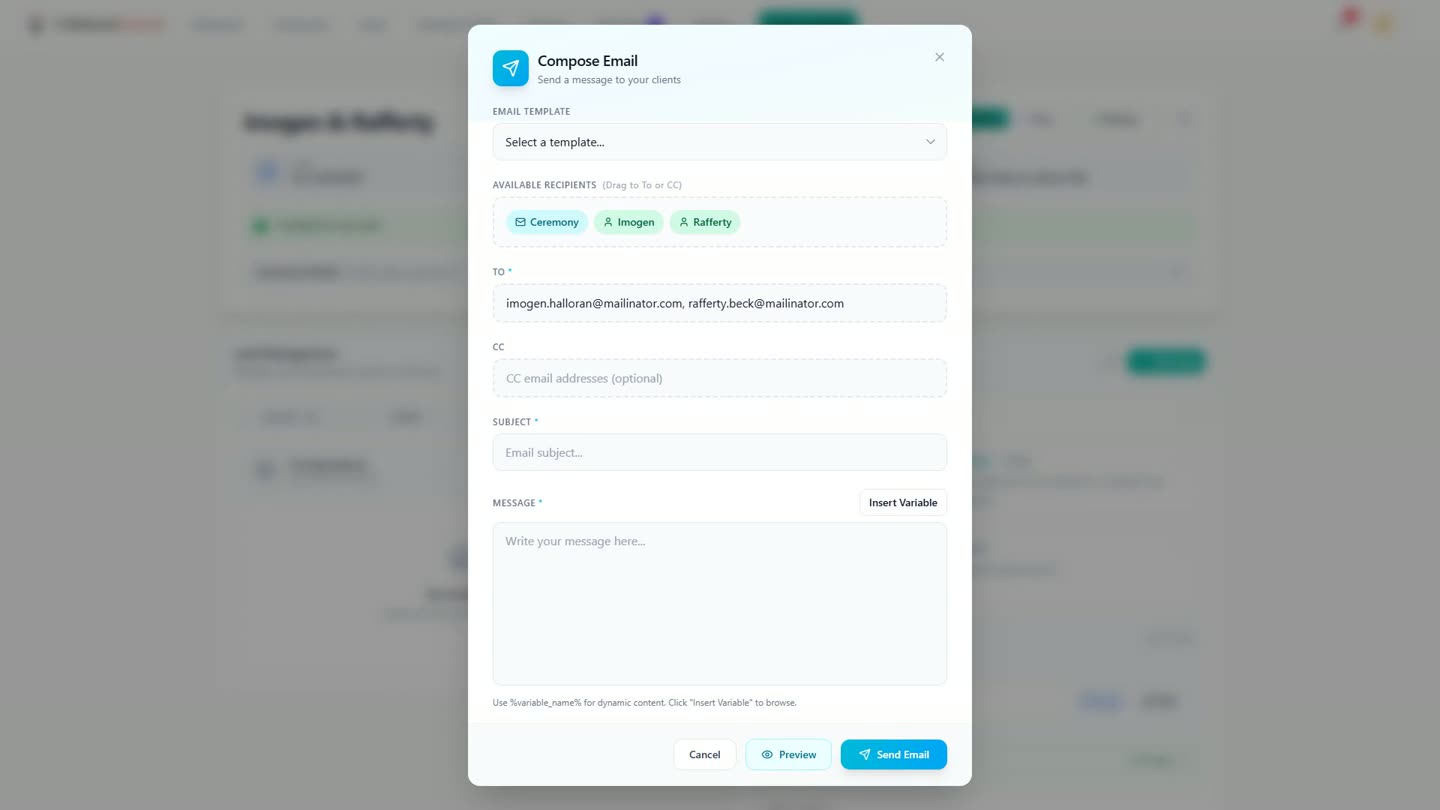
Both of a couple's addresses are already in the To line before anything is chosen. -
Pick the template, and the subject and the whole message arrive with it, placeholders and all. Preview fills every one of them in for this couple, so you can check it before it goes.
-
Close the preview, and send. From choosing the template to sent is one click; from opening the record, a few quick clicks.
-
It lands in the couple's inbox as a branded card carrying the celebrant's name, with the date, the venue and the sign-off already filled in, and none of it typed that day.
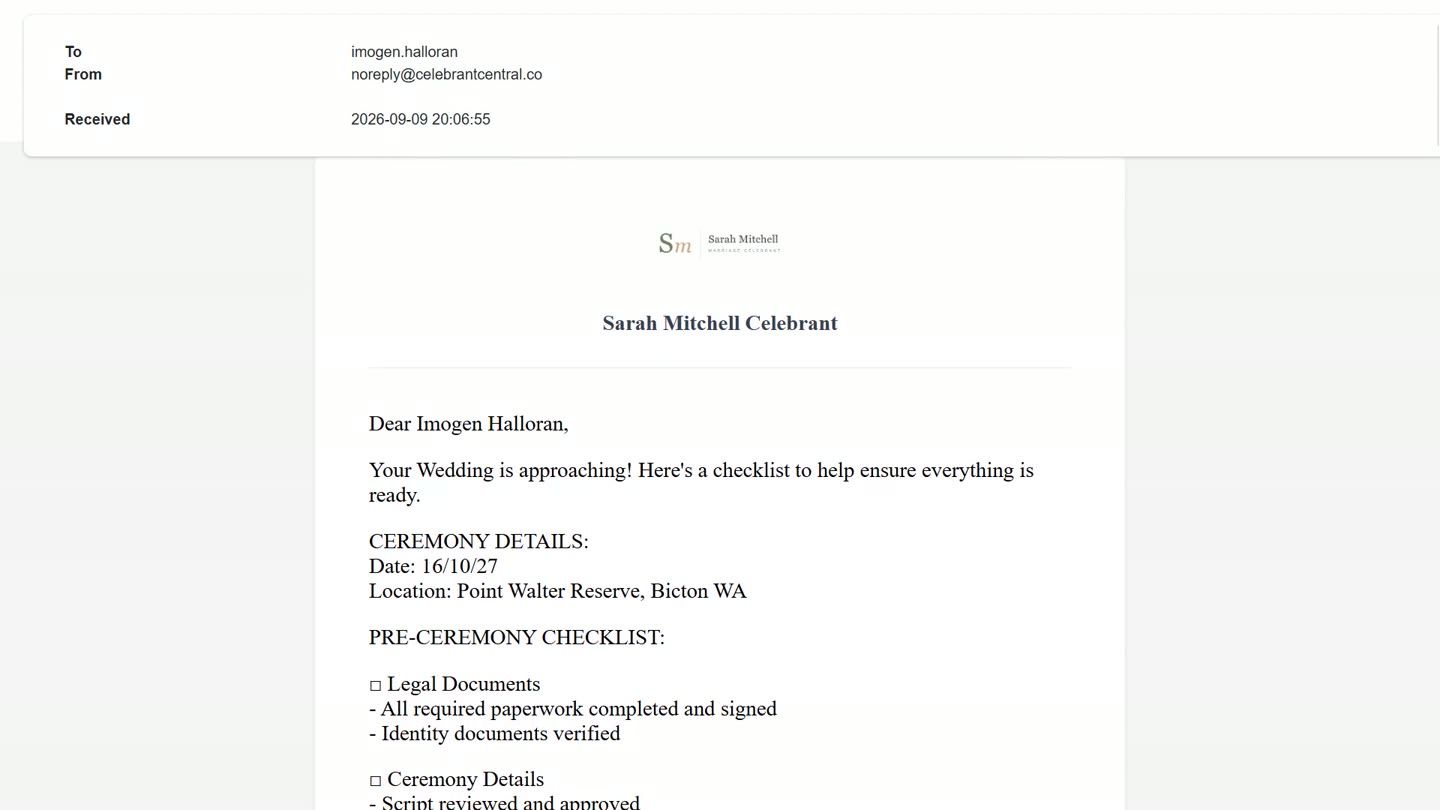
What the couple sees land in their inbox, fields filled in and nothing retyped.
Chapters
- 0:00The section that does the work
- 0:18Checklists and resources
- 0:52Your service agreement
- 1:02Ceremony scripts
- 1:12The email templates
- 1:52A couple, one click
- 2:24It lands
- 2:40Write it once
Full transcript
There is a section of Settings that does more work than the rest of it put together. Templates. Nine kinds of them, and they come already written. Your quotes, your booking form and your questionnaires each have their own, on their own pages.
The client checklist is the list of things the couple has to do. Open the wedding one, and every task carries its own timing, counted back from the ceremony date. It reaches them as a list in their portal, that they tick off themselves.
Resources are the guides and the links you send every couple. The page says it plainly: they appear in every ceremony of the matching type, and editing them here updates all the future ones. A link, or a file you upload.
Your service agreement is one you write once, in your own words. The names, the date, the venue and the amounts drop in from the record.
Ceremony scripts work the same way. Sections you write once, then load into any ceremony, changing only the parts that are theirs.
And then the email templates, which are the reason to open this page at all. A whole collection to get you started, grouped by where you are up to. The first enquiry, before the day, after it, the legal paperwork, and the ceremony itself. The legal ones are grouped together, and one of them is the Notice of Intended Marriage.
Open one, and it is already written. Then it is yours. Your words, your fonts, your colours. And merge fields to pick from, so the couple's own details write themselves in. That is the whole job, and you do it once.
Months later, a couple. From their record it is two clicks to a new email. Both of them are already in the To line. Pick the template. The subject and the whole message arrive with it, placeholders and all. Preview fills every one of them in, for this couple. Close it, and send.
From choosing the template to sent is one click. From opening their record, a few quick clicks. And here is where it lands. A branded card with your name on it, from an address you never had to set up. The date, the venue, the sign-off. Every field filled in, and none of it typed today. Both of them get their own copy.
Write it once. Then send it for the rest of your career.
Built for and by Australian marriage celebrants.
See it on your own ceremonies
Email templates written once, then sent to every couple with their own details filled in. Free until the end of next month. No card needed.
Start free →