Winning the booking
How your first booking works in Celebrant Central
Add the couple once, quote from your own services in one click, and let auto-booking turn their acceptance into a booked ceremony, an invoice and a legal paperwork timeline that is already ticking over.
This film follows one enquiry all the way to a booked, invoiced wedding, in the real app. Sarah adds a couple once from their enquiry, quotes them from a saved template in one click, and then steps back: with her auto-booking setting switched on, the moment they accept the quote, Celebrant Central turns the lead into a booked ceremony, raises the invoice, and starts tracking the legal paperwork on its own.
Step by step
-
Sarah adds Mei and Jack through the New Lead form the moment their enquiry comes in: their names, the ceremony type, the date they are hoping for and the venue, typed once. This becomes the one record everything else in the ceremony builds from.
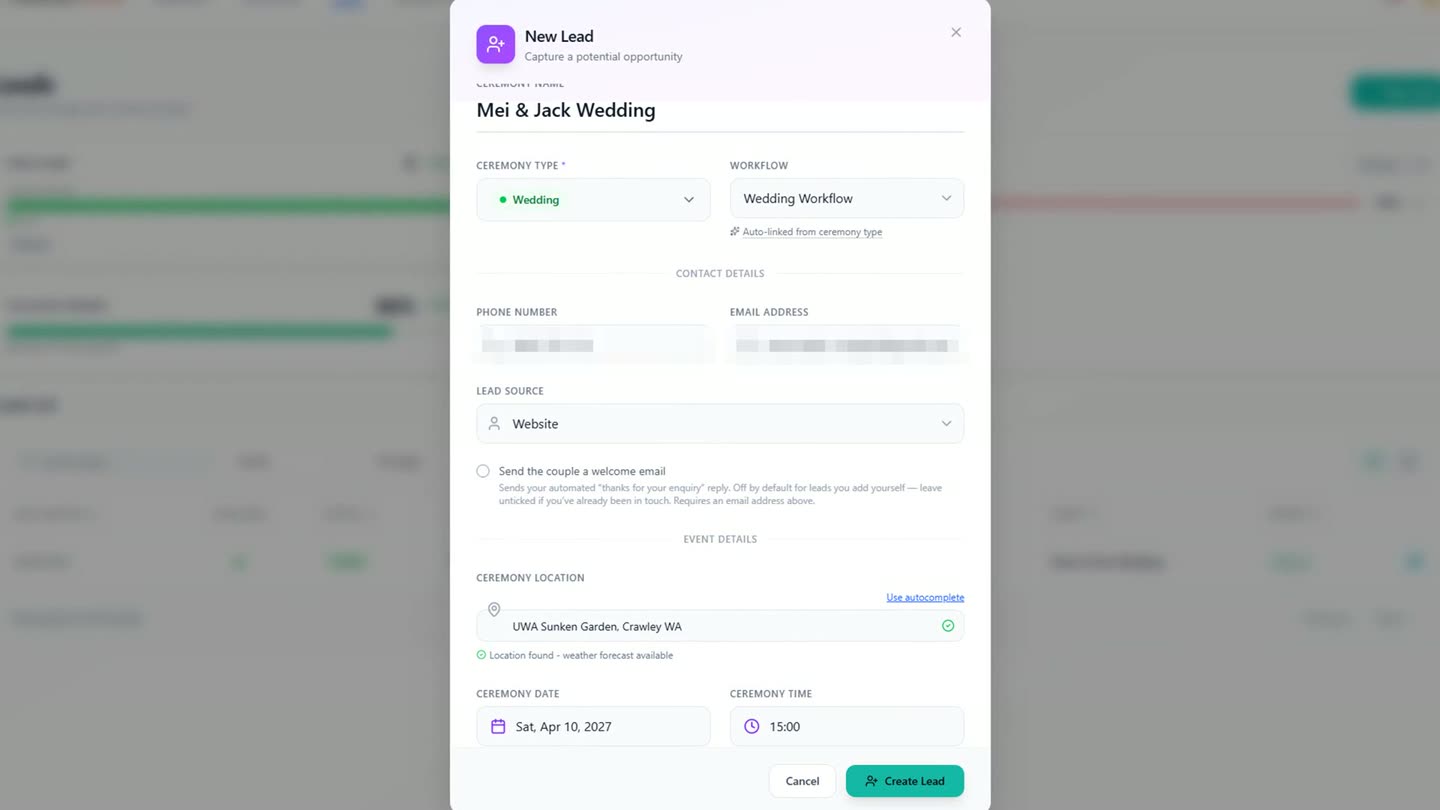
Names, date and venue, added once from the enquiry. -
Because Sarah set her services up once, her wedding quote already exists as a saved template. She opens it, checks the package, the price and the optional extras, and sends it under her own branding in one click.
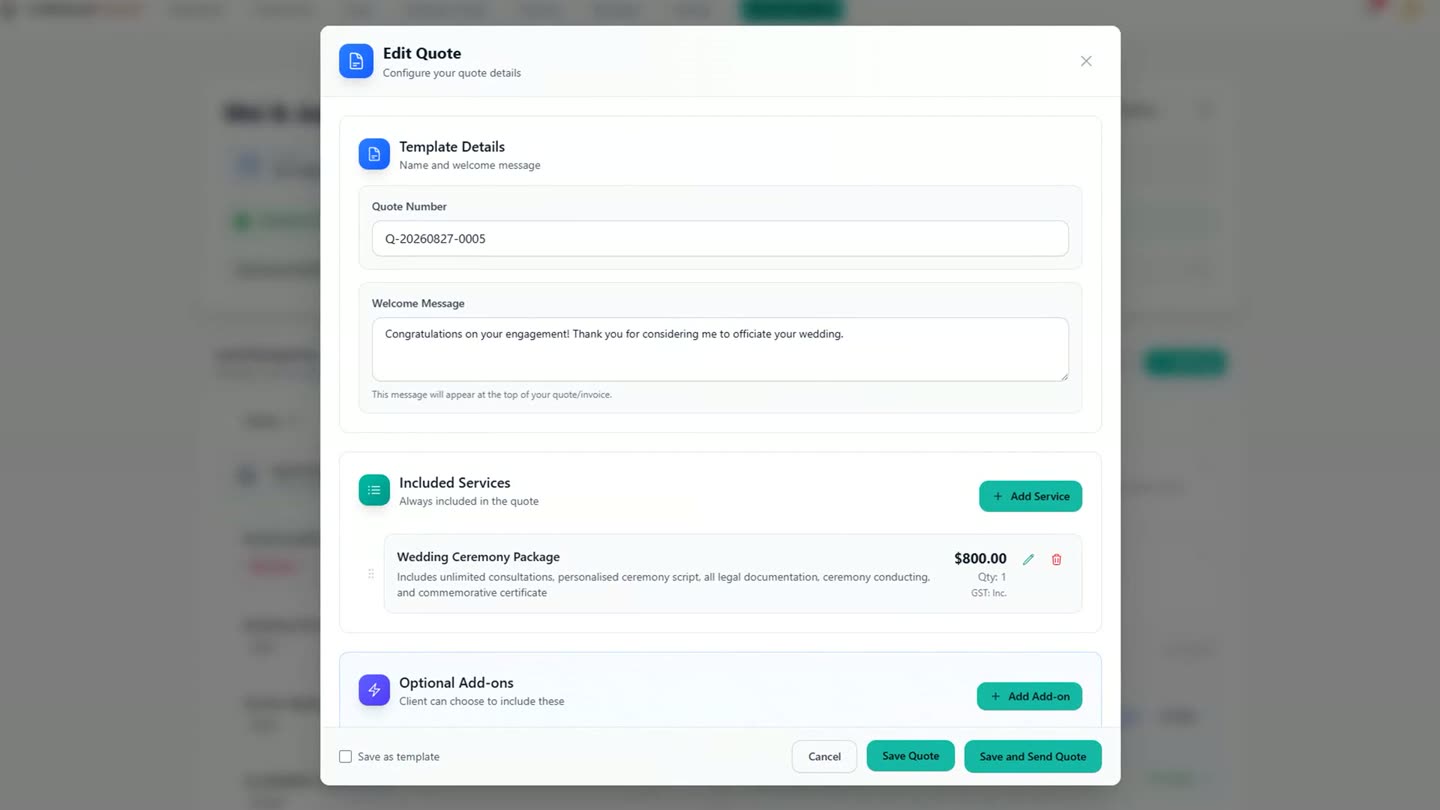
A saved quote template, checked and sent in one click. -
Mei opens the quote on her side, clear pricing and one button, and accepts when she is ready. Because Sarah's Booking Automation setting is set to book a ceremony as soon as its quote is accepted, there is nothing left for Sarah to do: Celebrant Central turns the lead into a booked ceremony on its own.
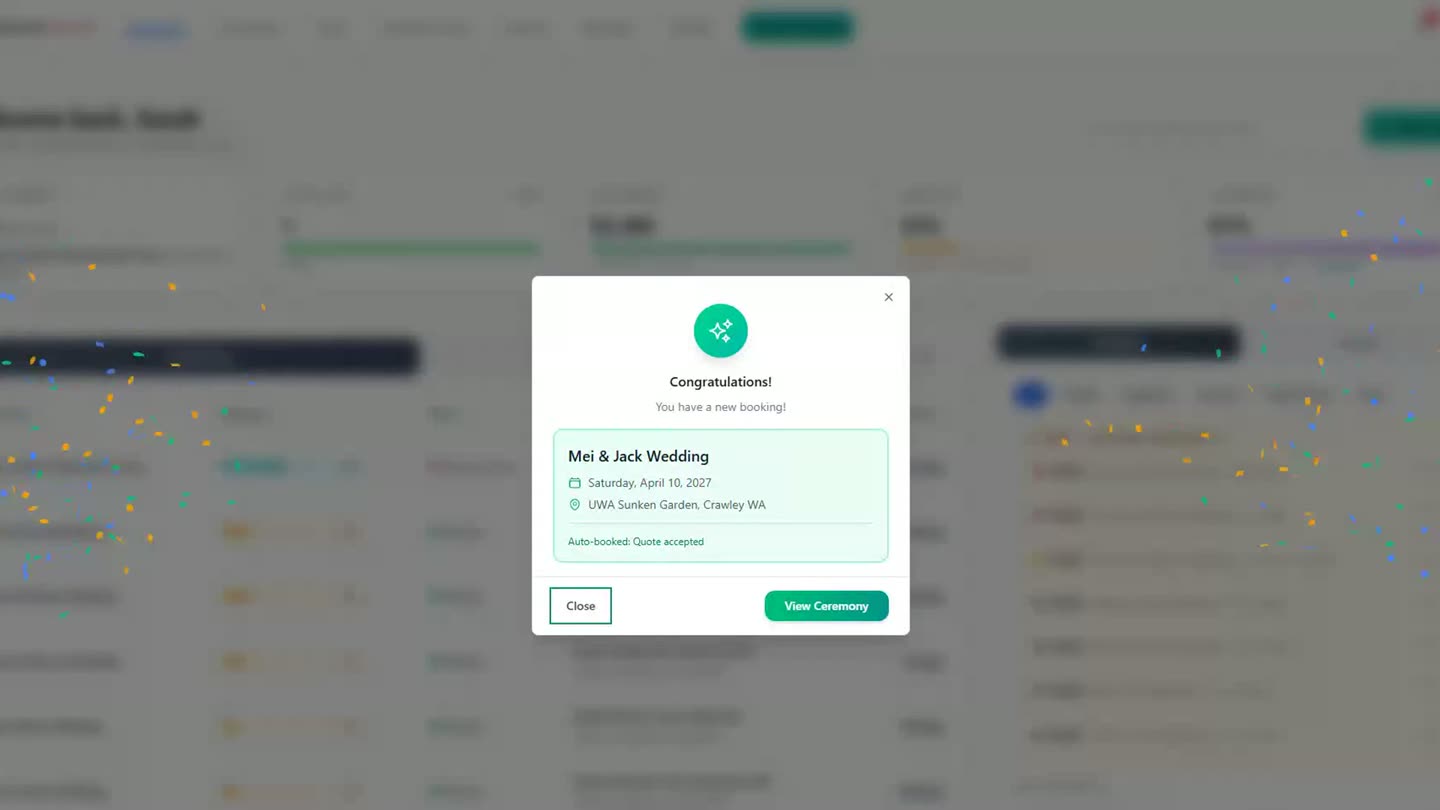
The moment the couple accepts, with auto-booking on, the ceremony books itself. -
The same acceptance raises the invoice and starts tracking the ceremony's legal timeline, including the Notice of Intended Marriage, without Sarah opening a separate screen for either.
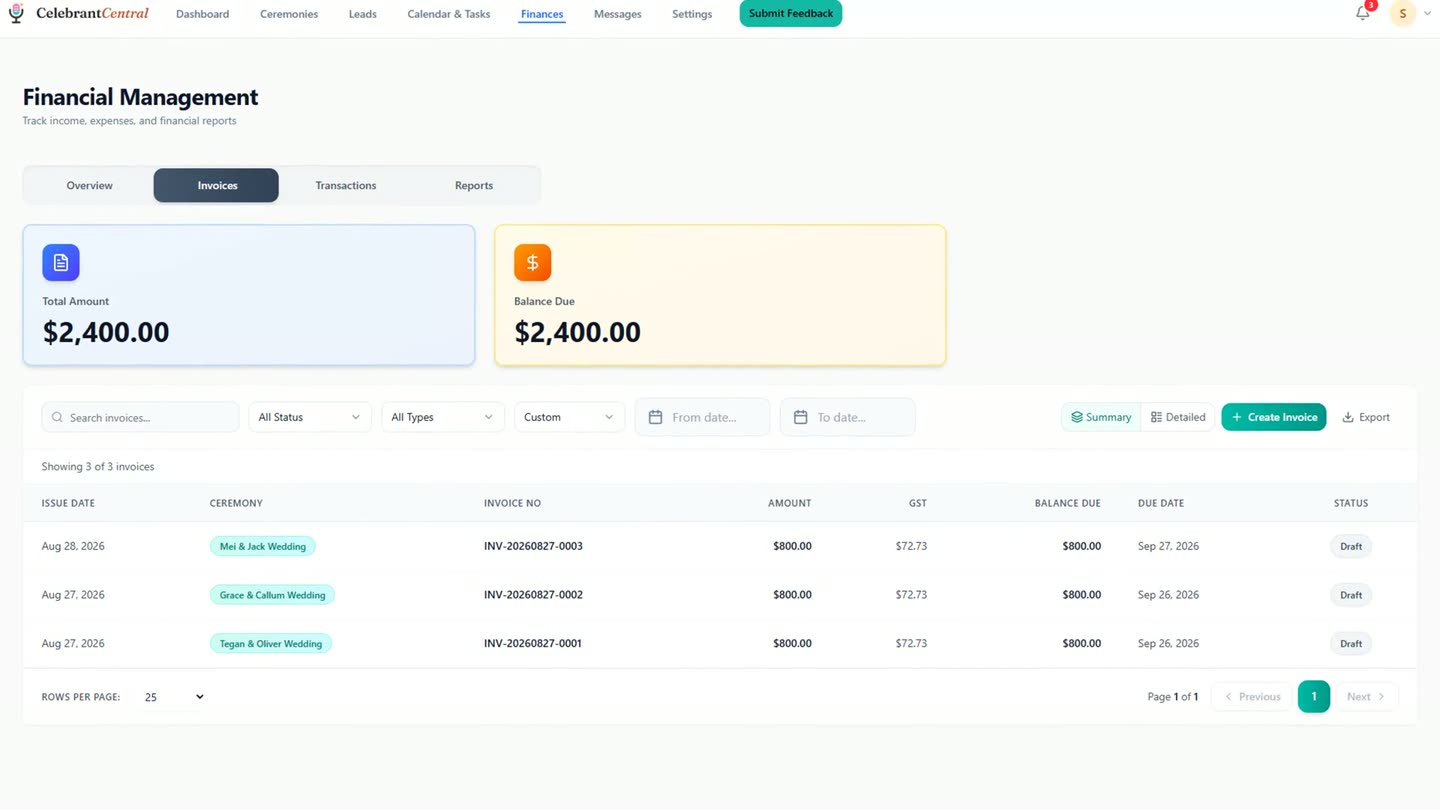
The invoice appears on the Finances screen at the same time, no extra step required.
Chapters
- 0:00The dashboard
- 0:13Adding a lead
- 0:26The quote
- 0:42What the couple sees
- 0:53The automatic booking
- 1:14Sign-off
Full transcript
This is Celebrant Central. Ceremonies, clients, paperwork and payments, in one place. And this morning there's a new enquiry. Mei and Jack, planning an autumn wedding.
Sarah adds them in moments. Their names, the date they are hoping for, the garden they have picked. And here is the exciting part. You will never type any of this again. Everything that follows is built from this one record.
Time to quote. Sarah set her services up once, so her wedding quote already exists as a template. Package, price, optional extras. One click sends it, under her own brand. Her logo, her signature, and a link Mei and Jack can open anywhere.
Here is what Mei sees. The full quote, clear pricing, and one button. When she is ready, she accepts. And Celebrant Central quietly goes to work.
Because Sarah chose to book automatically on acceptance, there is nothing left for her to do. The lead becomes a booking. The invoice writes itself. And the legal timeline, including the Notice of Intended Marriage, starts tracking on its own.
And when Sarah next opens the ceremony… there it is.
One enquiry. One quote. One click from the couple. That is your first booking in Celebrant Central.
Built for and by Australian marriage celebrants.
See it on your own enquiries
One enquiry, one quote, one click from the couple, and Celebrant Central can book the ceremony for you. Free until the end of next month. No card needed.
Start free →