Running every ceremony
How your first ceremony works in Celebrant Central
Enter the couple's names, where, and the date, and it's booked the moment you save it. Every task before the day, and the whole legal list, arrives already dated from that one date, and moves when it moves.
This film creates one ceremony from nothing, on a new account with no ceremonies on it, in the real app. The couple's names, where, and the date, and it's booked the moment it's saved. Watch the tasks before the day, and the Legalities tab, where every legal document for the ceremony lives, arrive dated from that one date: the questionnaire, the Notice of Intended Marriage, the script, the final payment, the declaration, the Form 15 certificate and the official certificate. Then the date changes once, and every one of those dates moves with it. That's the whole idea of the product, in one screen.
Step by step
-
Start from an empty ceremonies list and click New Ceremony. Type the couple's names and choose the kind of ceremony: a wedding, in this film.
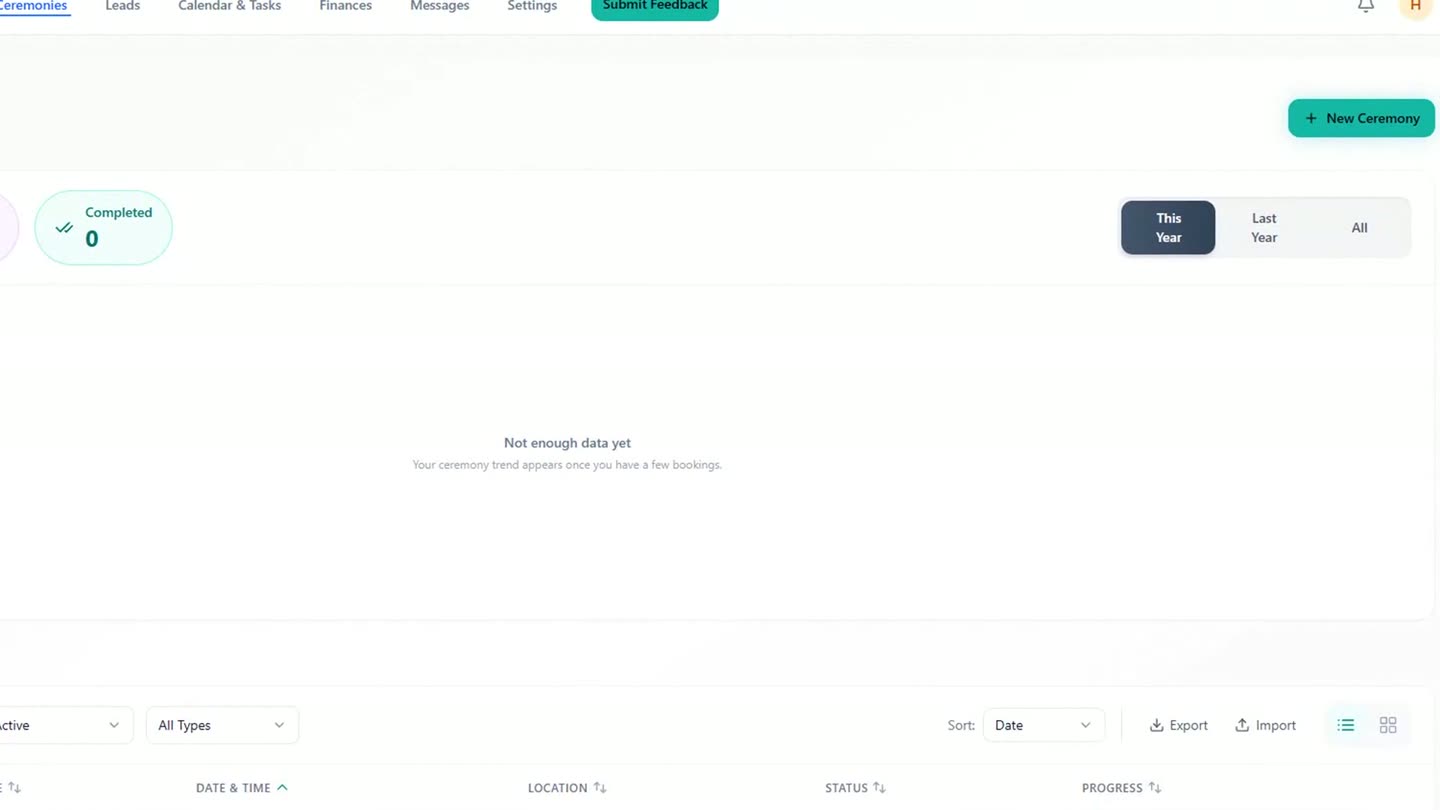
The ceremonies list before the first ceremony is created. -
The workflow attaches itself to the ceremony type, so a wedding gets the wedding workflow without a separate click.
-
Add a phone number and email address, drop a pin on the venue, then set the date and time. Everything else on the ceremony hangs off this one date.
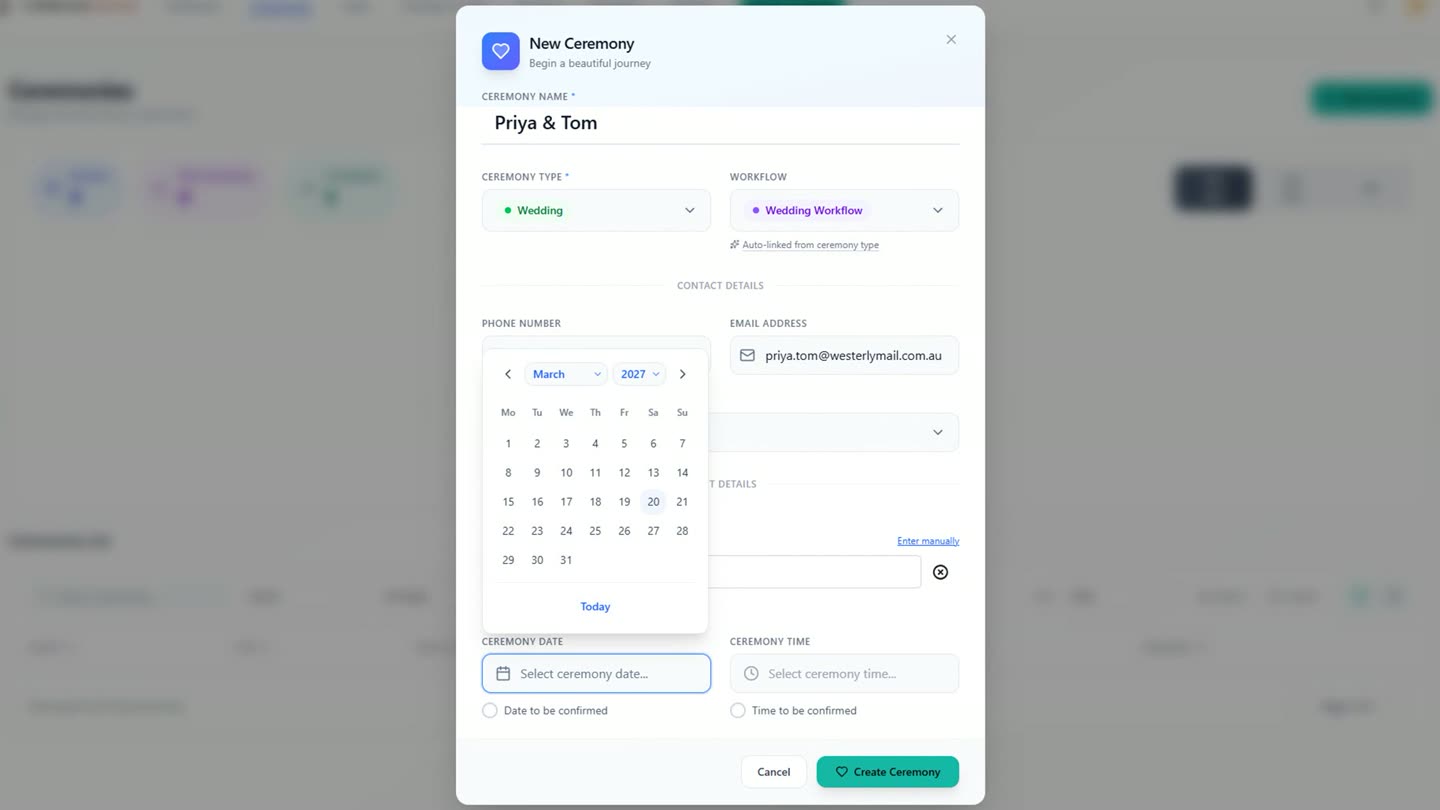
Names, type, contact details and the date, all in one form before the first save. -
Create the ceremony and it's booked immediately: the new row appears on the list within a second, already marked Booked.
-
Open the ceremony's own page and the countdown has already started. With an email address on file, the booking confirmation has already gone out, sent by the app the moment the ceremony was created.
-
Look down the left, at the Workflow Pipeline, the column that tracks every task from booking through to the day. The script, the questionnaire, the Notice of Intended Marriage, the final paperwork and the final payment each carry a date, worked out from the ceremony date. Nobody counted backwards to set them.
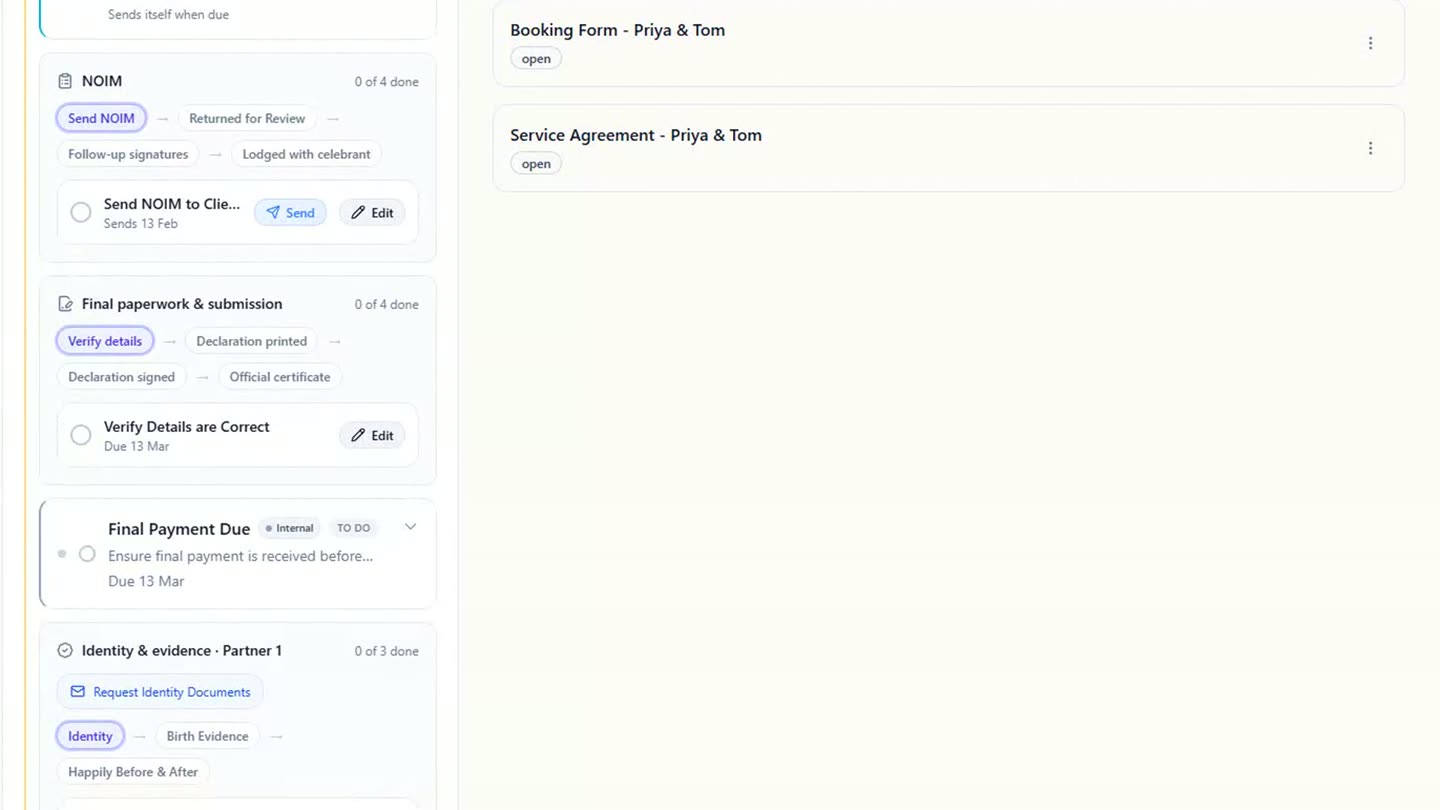
Every upcoming task in the pipeline carries its own date, set from the ceremony date. -
The legal side works the same way. Open the Legalities tab, where every legal document for the ceremony lives, and the Notice of Intended Marriage sits first, dated with room to spare before the one-month line the law draws. Identity, the declaration, and closer to the day the Form 15 certificate and the official certificate, follow behind it, each with its own date.
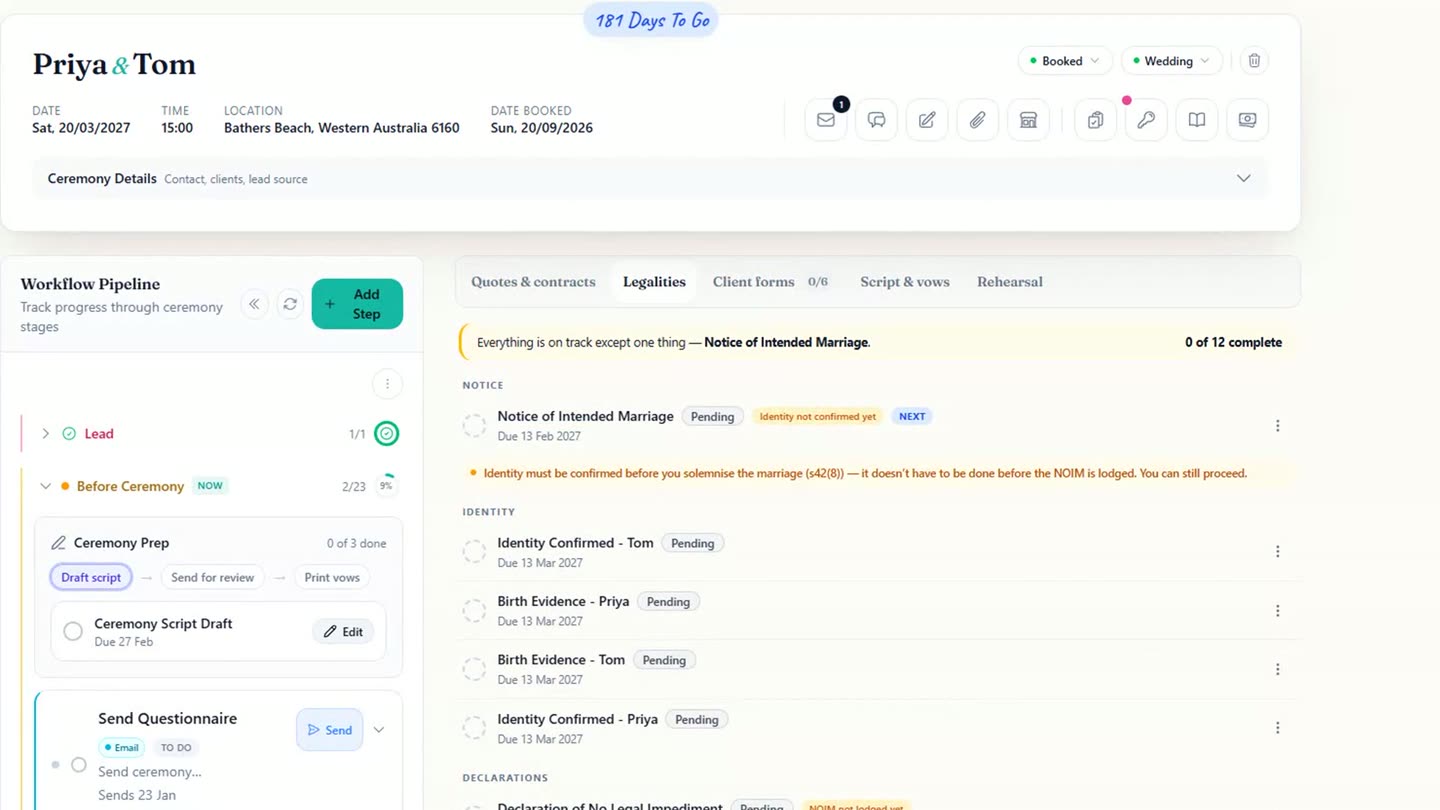
The Legalities tab, dated the same way as the pipeline: the Notice of Intended Marriage first. -
Change the date once, from Ceremony Details, and every one of those dates moves with it: the pipeline and the Legalities tab both pick up the new date without a reload. Keep the ceremony and put your first couple on it, or delete it and start again. That's the whole idea, in one screen.
Chapters
- 0:00One ceremony, to start
- 0:07Names, the type, and the workflow attaching itself
- 0:16Contact details and the date
- 0:26Create, and it's booked
- 0:29Their page: the countdown and the confirmation
- 0:37Every task already dated
- 0:54The legal paperwork, dated the same way
- 1:12Change the date, everything moves
- 1:19That's the whole idea, in one screen
- 1:27Sign-off
Full transcript
This is the first thing to do in Celebrant Central. One ceremony. Real or made up, any date. New Ceremony. Their names, and what kind of ceremony it is.
The workflow attaches itself. How to reach them, and where it's happening. And the date. Everything else hangs off this one.
Create, and it's booked. Here's their page, and the countdown has already started. You gave it an email address, so the booking confirmation has already gone.
Now look down the left. The script. The questionnaire. The Notice of Intended Marriage. The final paperwork, the final payment. Every one of them has a date, worked out from the day itself. You didn't count backwards from anything.
The legal side, the same. The Notice of Intended Marriage comes first, dated with room to spare before the one-month line the law draws. Then identity, the declaration, and closer to the day, the Form 15 certificate and the official certificate. Each with its date.
And if the date moves? Change it once. Everything moves with it.
That's the whole idea, in one screen. Keep this one and put a real couple on it, or delete it and start again.
Built for and by Australian marriage celebrants.
See it on your own ceremonies
One date, and the paperwork lays itself out. Free until the end of next month. No card needed.
Start free →